
3D Wall Sign Logo Mockup – Showcase Your Brand with Impact
3D Wall Sign Logo Mockup – Showcase Your Brand with Impact
Want your logo to leap off the screen and feel like it’s part of the real world? The 3D Wall Sign Logo Mockup is your go-to presentation tool. Whether you’re a solo designer pitching to a client or a brand owner visualizing your identity, this mockup adds depth, realism, and polish to your design.
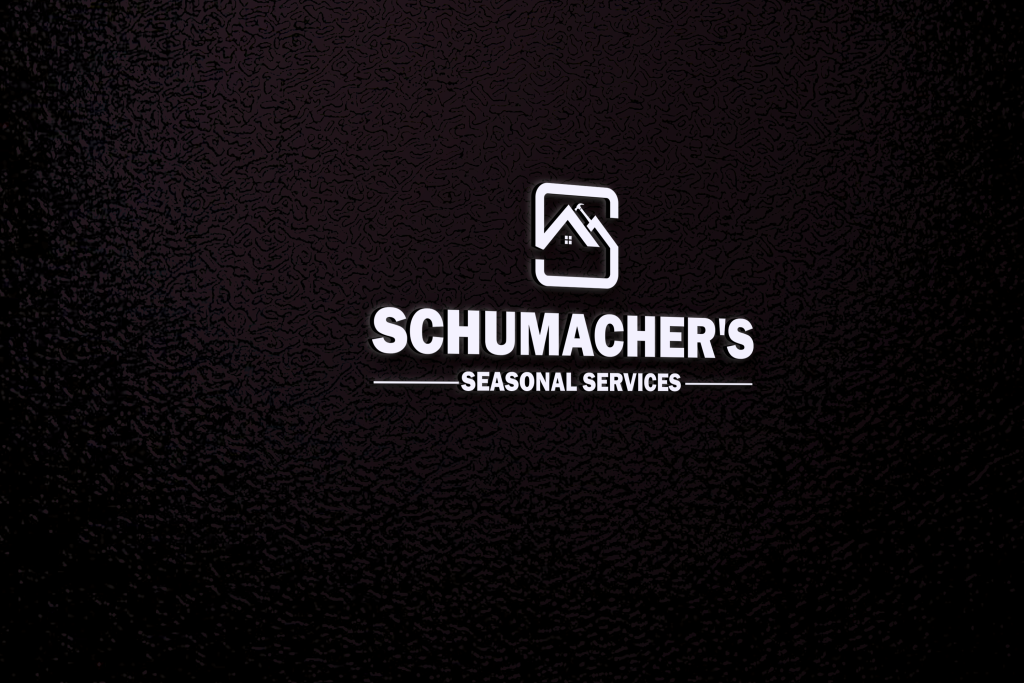
✨ Why Use This Mockup?
- Immersive Presentation: Simulates how your logo would appear as a physical wall sign.
- Client-Ready Visuals: Perfect for proposals, portfolios, and social media showcases.
- Creative Confidence: Helps you evaluate spacing, lighting, and impact before final production.
🛠️ How to Use the PSD Mockup (Step-by-Step)
- Download & Unzip: Grab the free .zip file from GraphicsFamily and extract it to your workspace.
- Open the PSD File: Launch it in Adobe Photoshop.
- Find the Smart Layer: Look for the layer labeled YOUR LOGO DESIGN HERE and double-click to open it.
- Insert Your Design: Drop in your transparent PNG logo, icon, or custom text.
- Adjust & Save: Resize and center your artwork, then hit Save to update the mockup.
- Export Your Final Image: Use CTRL + ALT + SHIFT + S to save your presentation-ready visual.






Post Comment